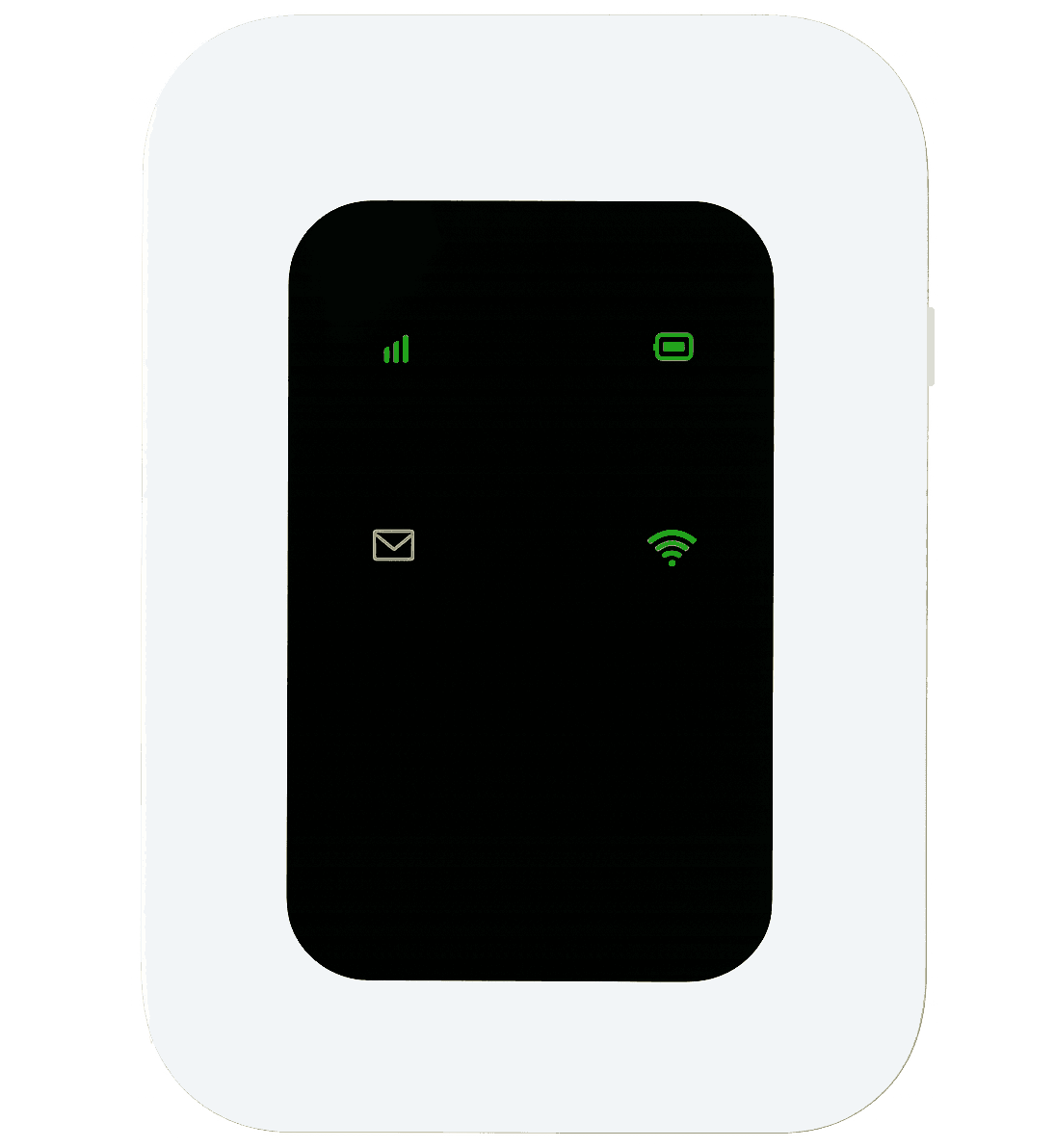
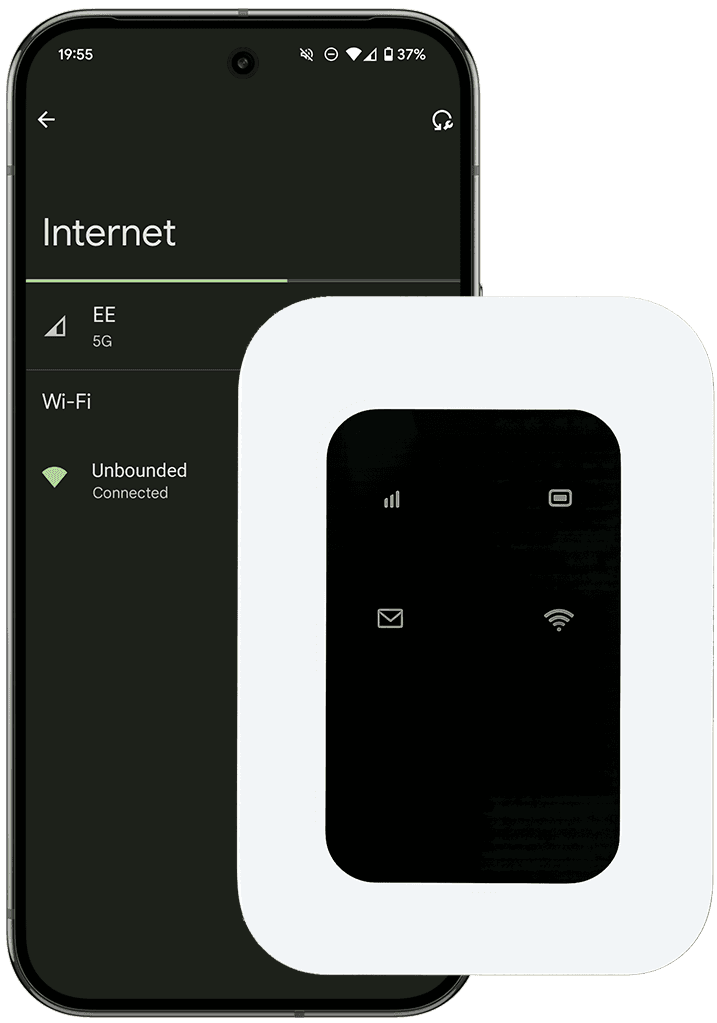
You can take your Unbounded mobile router wherever you're taking payments. You simply need to turn it on, and connect to it like you would any WiFi Network.
You can take your Unbounded mobile router wherever you're taking payments. You simply need to turn it on, and connect to it like you would any WiFi Network.
To turn on
Press and hold the power button to turn on the Unbound router.
Connect to WiFi
Connect to Unbounded WiFi - using the password provided with your router.
Different Features
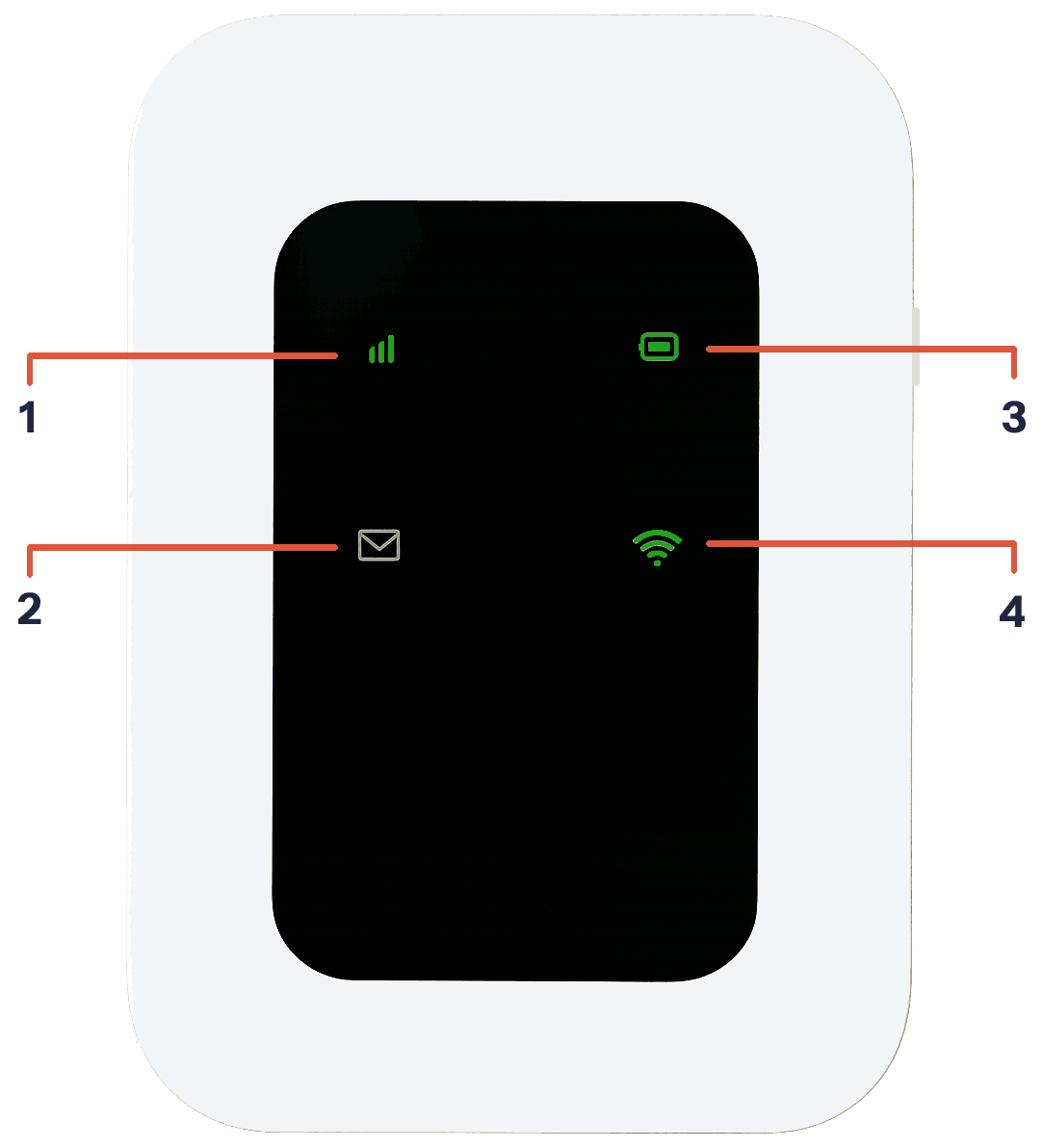
1
Network Indicator : Shows green when working. Red when you turned on and it looks for signal
2
Message indicator: Not used
3
Battery: Shows as green once it’s charged up. 25% or less will show as red.
4
Wifi indicator: Shows as green once turned on
To turn off
Press and hold the power button for five seconds to turn off the Unbound router.